*/5 is locked to the clock
Save the crontab at 10:03 and the next run is 10:05, then 10:10. The minutes are 0, 5, 10 through 55.
*/5 * * * * does not mean “five minutes after you save the crontab.” The minute step is locked to the clock. Install the line at 10:03 and the next run is 10:05, then 10:10. The list is 0, 5, 10, 15, 20, 25, 30, 35, 40, 45, 50, and 55.
*/5 * * * *     # twelve times an hour
*/10 * * * *    # six times an hour
*/15 * * * *    # four times an hour
*/30 * * * *    # twice an hour
*/10, */15, and */30 still include minute 0. 5-59/5 starts at 5 and leaves the top of the hour quiet.
Five fields only
A standard crontab line is minute, hour, day of month, month, and day of week. Nothing in those five fields is seconds. Quartz and Spring use six fields with seconds first. EventBridge uses six fields without seconds and a ? in one day field. Do not paste a five-field line into those systems and expect the same meaning.
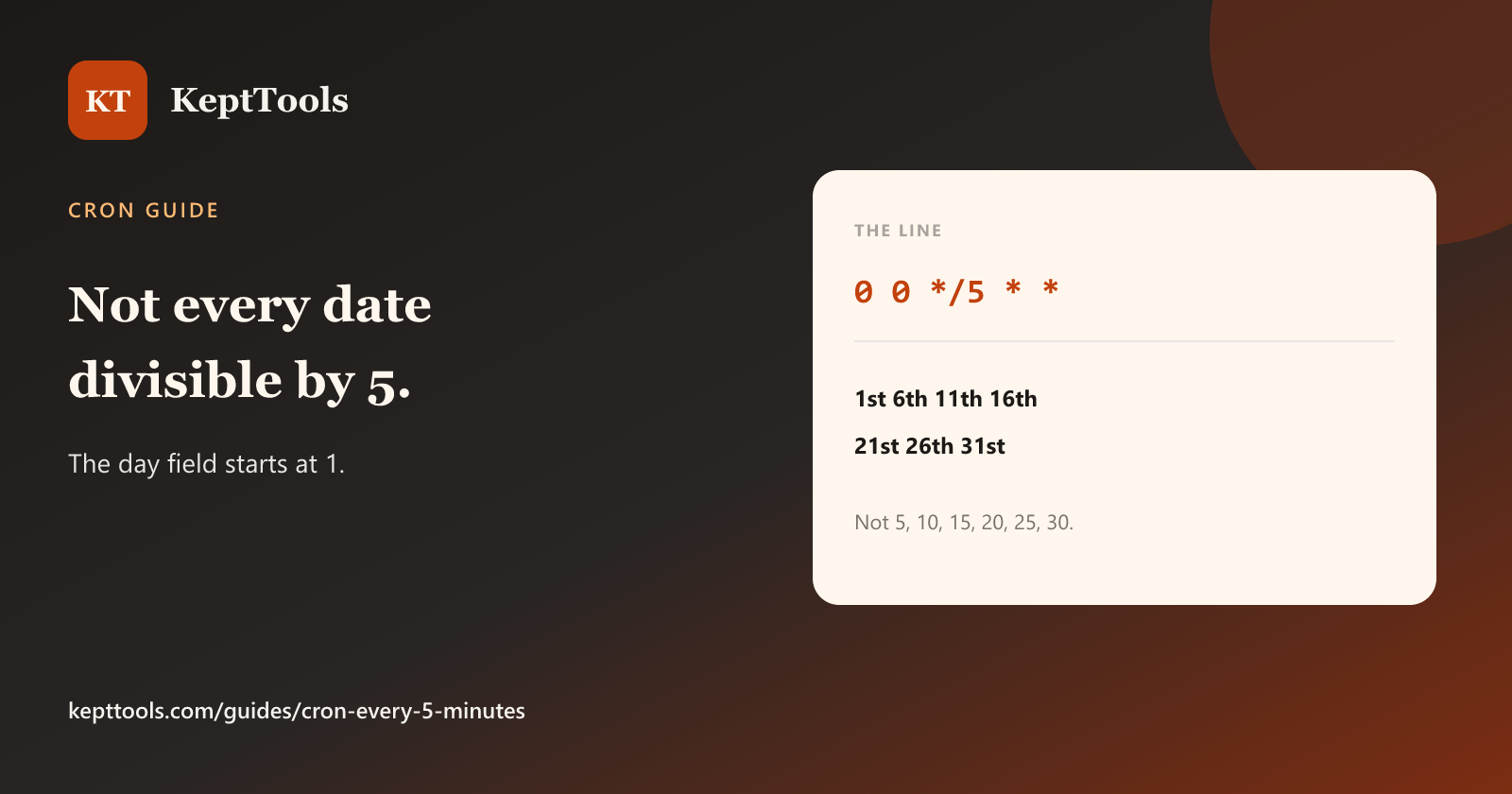
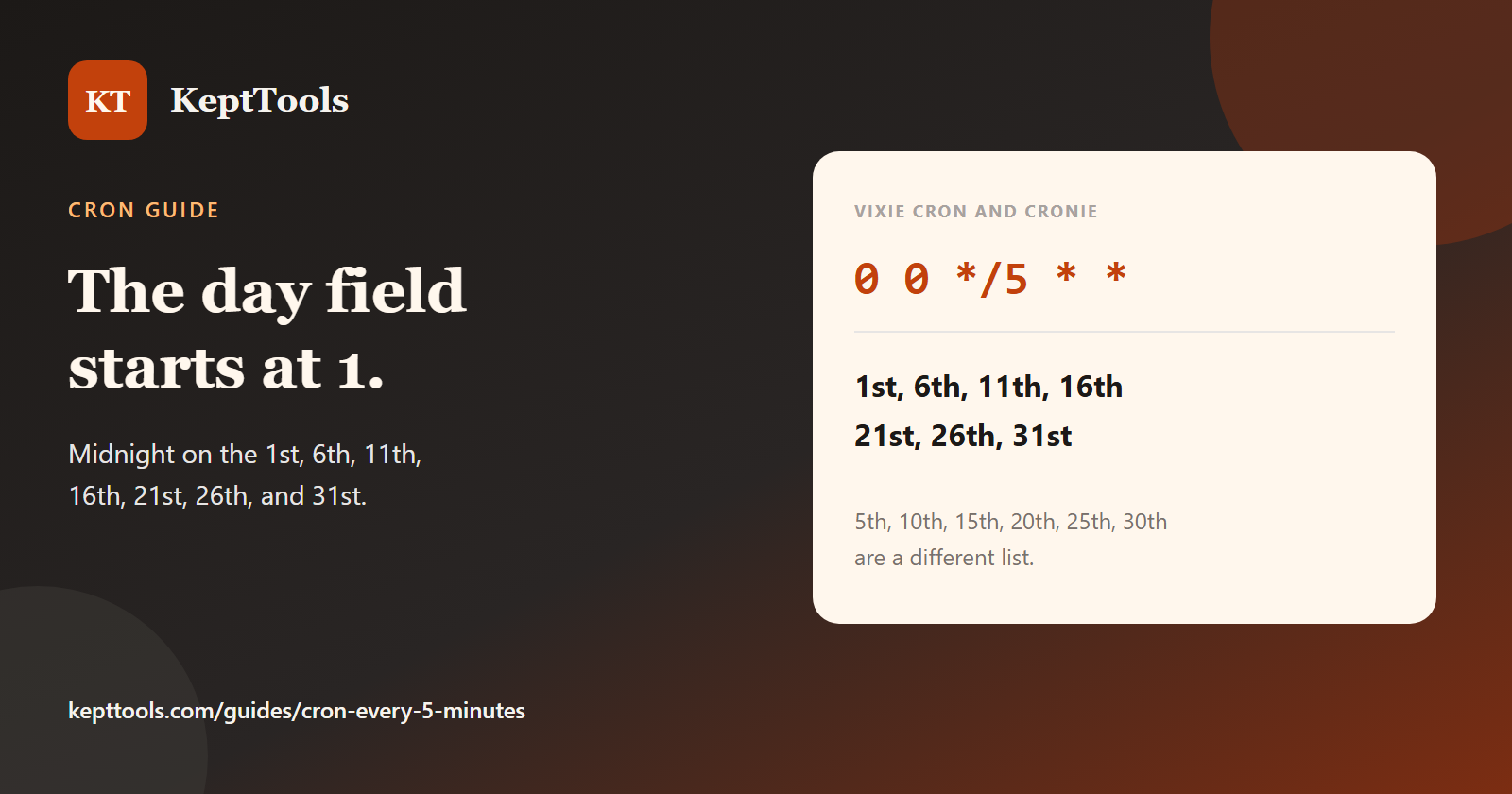
On Vixie cron and cronie, the day-of-month step 0 0 */5 * * is midnight on the 1st, 6th, 11th, 16th, 21st, 26th, and 31st. It is not every date divisible by 5.
Traditional Vixie cron will start the next run even if the previous one is still going. A six-minute job on */5 overlaps. Use a lock such as flock if that must not happen. Call the program by its absolute path.
Check one cycle
*/5 * * * * date >> /tmp/cron-every-5.log
Two lines should land five minutes apart on divisible-by-5 minutes. Remove the test afterward. Build the fields in the cron expression generator, then install on the host that will run the job.
Comments
Join the discussionNo comments yet. Be the first to comment.