KeptTools: browser-only developer tools that don’t upload your paste
KeptTools: browser-only developer tools that don’t upload your paste
I build a lot of small utilities into my day: format JSON, clean SQL, peek at a JWT, encode Base64, generate a hash, compress an image. The annoying part isn’t the task.
It’s trusting a random website with the paste.
Why that matters
Dummy data is fine anywhere. But real-ish data isn’t:
a JWT from a staging app
a SQL snippet with customer emails
a Base64 payload that still holds sensitive text
If the tool uploads your input, you’ve already lost control of it.
What I built
KeptTools is a free set of developer tools that run entirely in the browser. Nothing you paste is sent to a server for processing. On sensitive pages (JWT decoder, Base64, hash generator, password generator):
no analytics
no ads
no third-party scripts
You can verify this yourself: open DevTools → Network while you work.
Tools included
JSON formatter & converter
SQL formatter
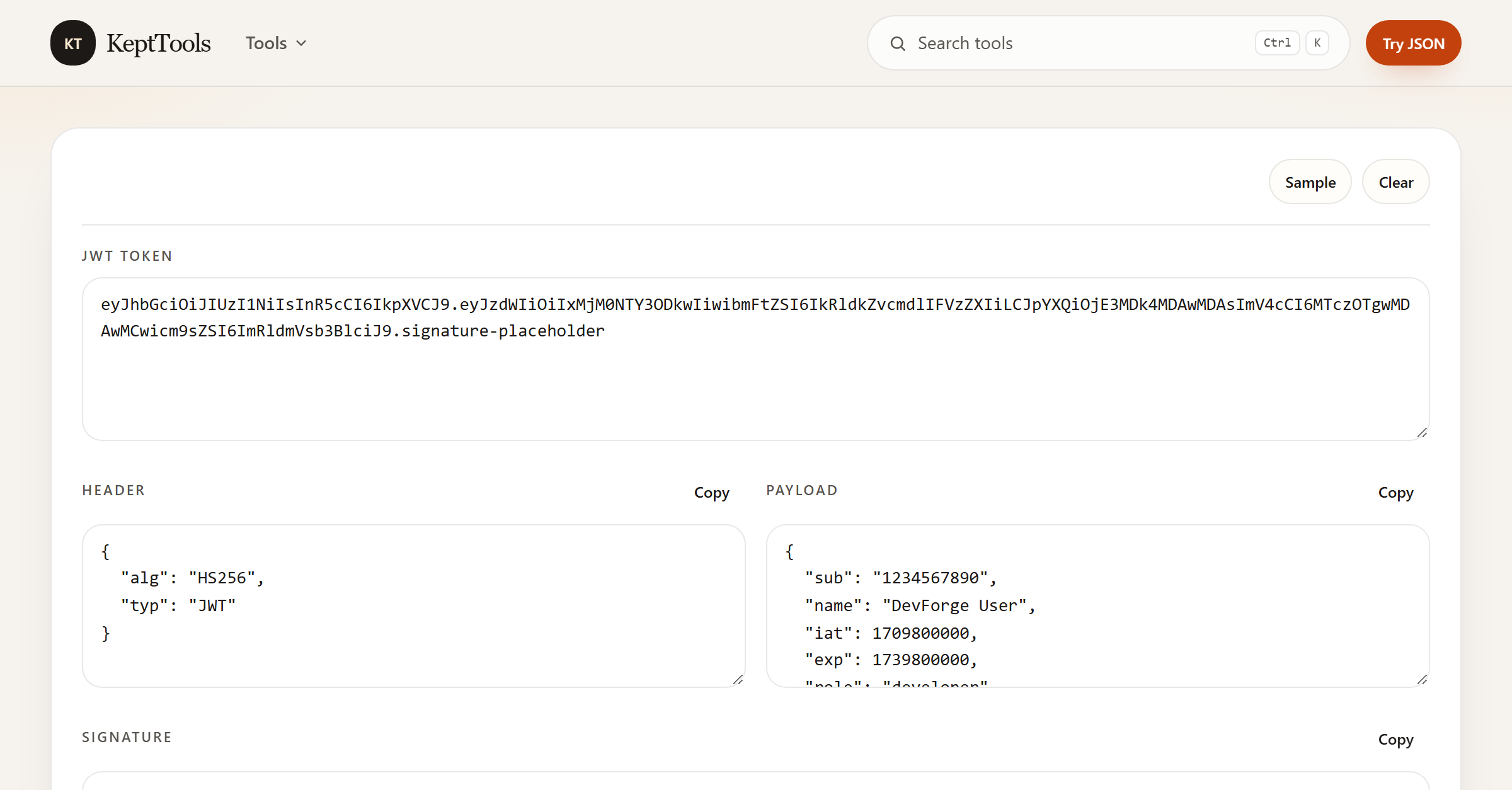
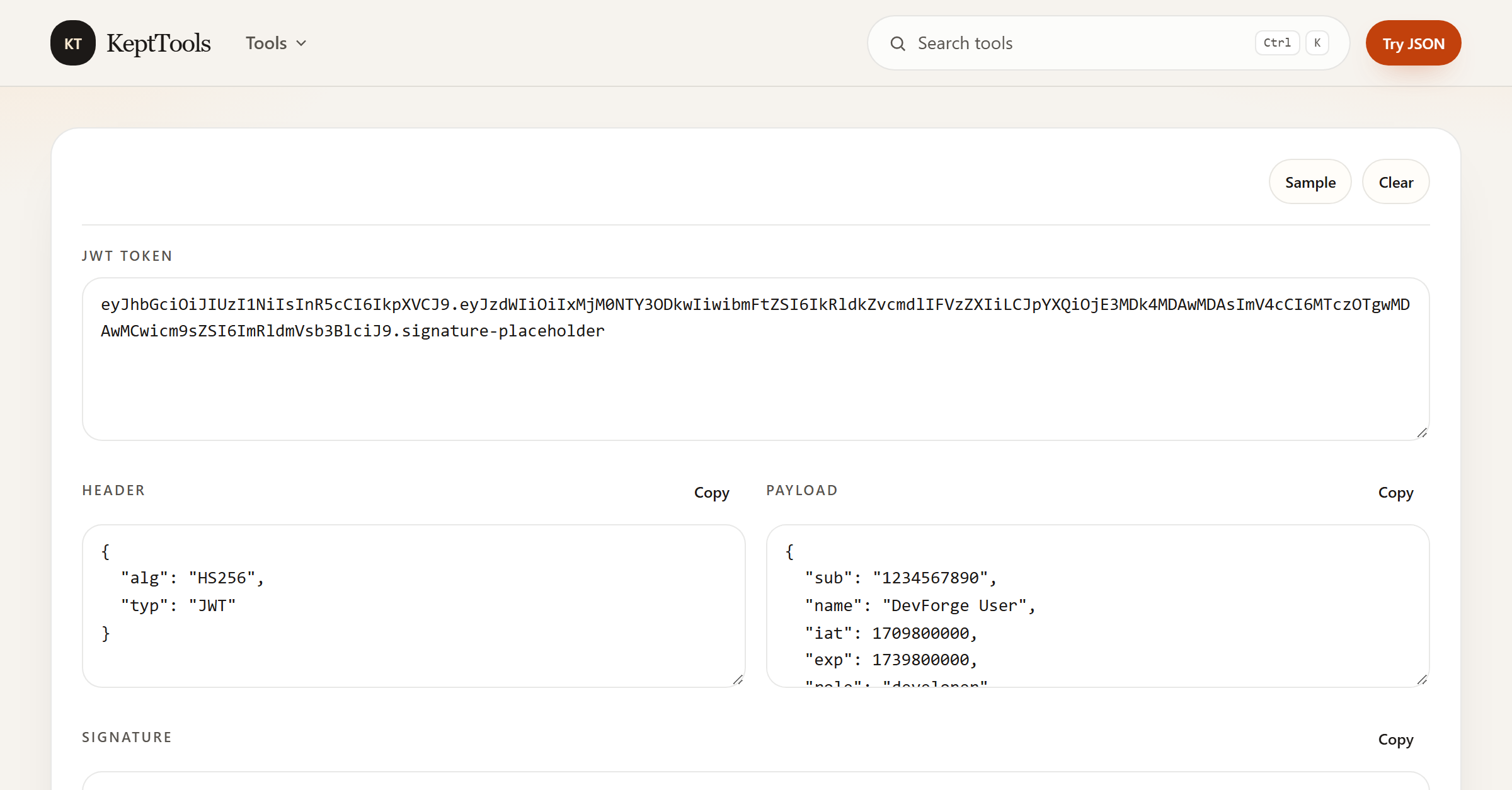
JWT decoder
Base64 encoder / decoder
Hash generator (MD5, SHA-1, SHA-256, SHA-512)
URL & HTML encoder
Regex tester
Image convert / compress / crop / background tools
and more everyday utilities
Try it here: https://kepttools.com
What I’m looking for
Honest feedback:
Is “nothing leaves your browser” clear on first visit?
Which tool would you open every week?
What’s missing for your workflow? Thanks for reading. If you try KeptTools, please stress-test the privacy claim in Network — that’s the whole point.
Comments
Join the discussionI like the threat model, but I'd be careful how far the privacy claim goes. Browser-only stops network exfiltration, not a malicious extension or a shared machine reading the DOM, so "nothing leaves your browser" is true in a narrower sense than it sounds. One concrete gap: a JWT decoder that decodes without verifying the signature gives false confidence. Anyone can mint a token with admin claims and a valid-looking payload, and a decode-only view can't tell you it's forged. If you ever add optional signature verification with a pasted secret, that's the feature that would make me actually trust it for staging tokens.
Fair points — thanks for the precise pushback.
You’re right on the privacy wording: “nothing leaves your browser” means we don’t upload the paste to our servers. It doesn’t protect against a malicious extension or someone with access to the machine/DOM. I’ll tighten that language so the claim stays honest.
On JWT: decode-only is intentional today, and the page already notes it doesn’t verify the signature — but I agree a decode-only view can still create false confidence if someone skim-reads. Optional local verification with a pasted secret (for staging) is a strong feature request; I’ve noted it.
Appreciate the threat-model feedback.