0 */2 * * * is every second hour
The hour step starts at 0. Runs are 00:00 through 22:00 at minute 0. That is 12 fires a day, not 24.
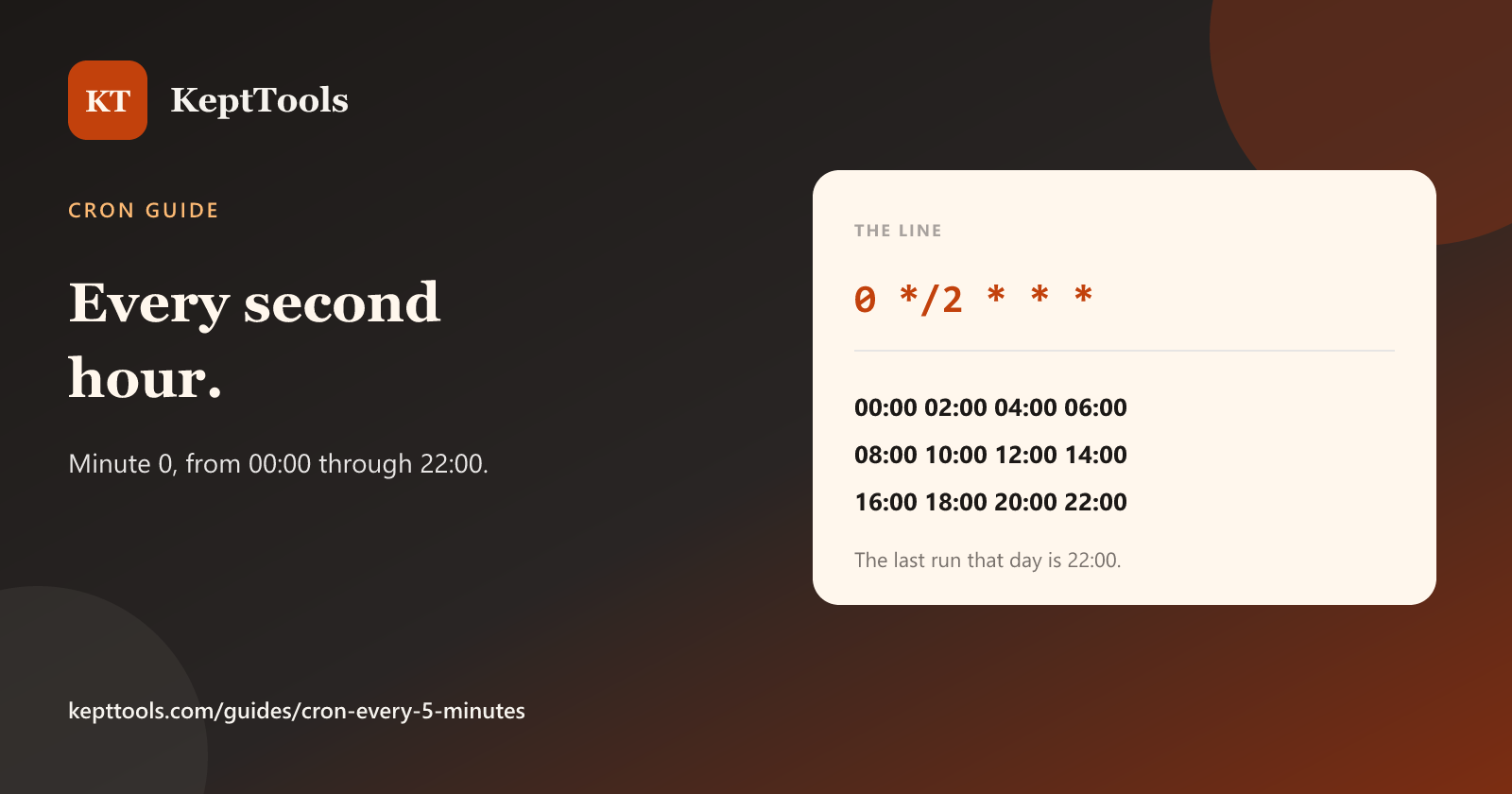
0 */2 * * * is minute 0 of every second hour. The hour step starts at 0. That day the job runs at 00:00, 02:00, 04:00, 06:00, 08:00, 10:00, 12:00, 14:00, 16:00, 18:00, 20:00, and 22:00. It does not run at 23:00.
0 * * * *       # 24 times a day, top of every hour
0 */2 * * *     # 12 times a day, every second hour
A step is a range plus /n. In the hour field, * covers the hours, so */2 advances by two from 0. The minute field stays pinned at 0, so each fire is on the hour. Five-field cron has no seconds field. The daemon starts the command once when that minute begins.
What this line is not
It is not “two hours after you save the crontab.” The schedule is locked to the clock. Install it at 10:17 and the next run is 12:00, then 14:00.
It is not a Quartz or EventBridge expression. Those use six fields. Quartz puts seconds first. EventBridge has no seconds field and uses ? in one day field. Do not paste this five-field line into those systems and expect the same meaning.
It is not a systemd timer. OnCalendar is a different language. Confirm what you want with systemd-analyze calendar on that host.
One practical check
0 */2 * * * date >> /tmp/cron-every-2h.log
Two log lines should be two hours apart and land on minute 0. Delete the test afterward. Use an absolute path for real jobs. Cron’s PATH is often short.
Build the fields in the cron expression generator, then install the line on the machine that will run it.
Comments
Join the discussionNo comments yet. Be the first to comment.