active is not a CSV column
The converter keeps top-level keys only. Nested meta becomes one escaped JSON cell. TypeScript still drafts interface Meta.
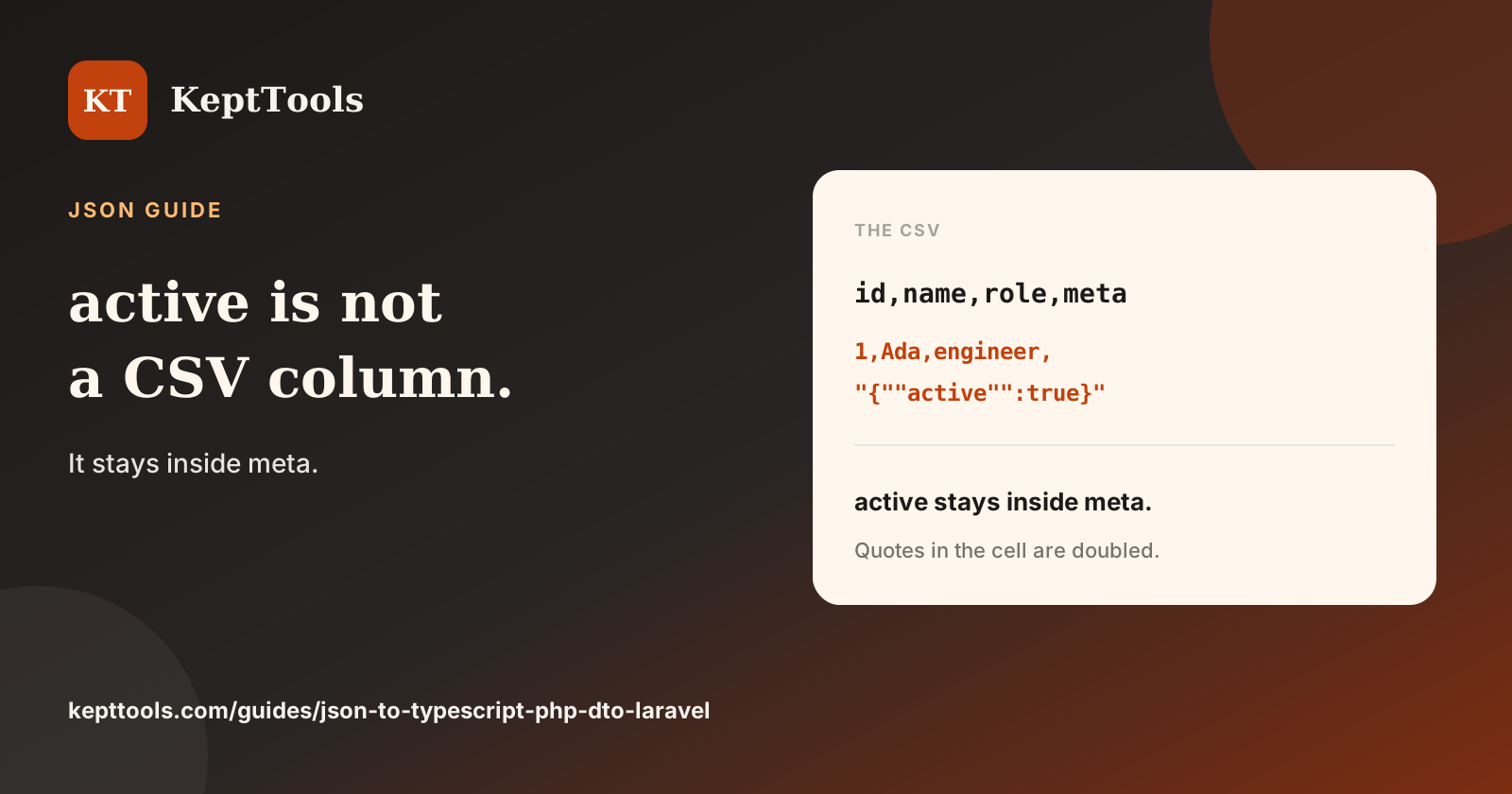
CSV from a nested JSON object does not explode inner keys into headers. On the JSON converter, only top-level keys become columns. A nested object is one cell. Inner quotes are doubled so the row stays valid CSV. Conversion runs in the browser.
Paste the sample array and pick CSV. meta is a column. active is not.
id,name,role,meta
1,Ada,engineer,"{""active"":true}"
2,Linus,founder,"{""active"":false}"
An array value follows the same rule. {"id":1,"tags":[]} writes a tags cell of [].
TypeScript still names the nest
TypeScript does not flatten meta either, but it does draft a child interface from the first object:
export interface Root {
  id: number;
  name: string;
  role: string;
  meta: Meta;
}

export interface Meta {
  active: boolean;
}
The PHP DTO types the same field as public array $meta. No second class is emitted. Laravel nests a PHP array under 'meta'. If you open the CSV in a sheet and look for an active column, you will not find one. The boolean is still inside the JSON string in the meta cell.
Empty array and broken paste
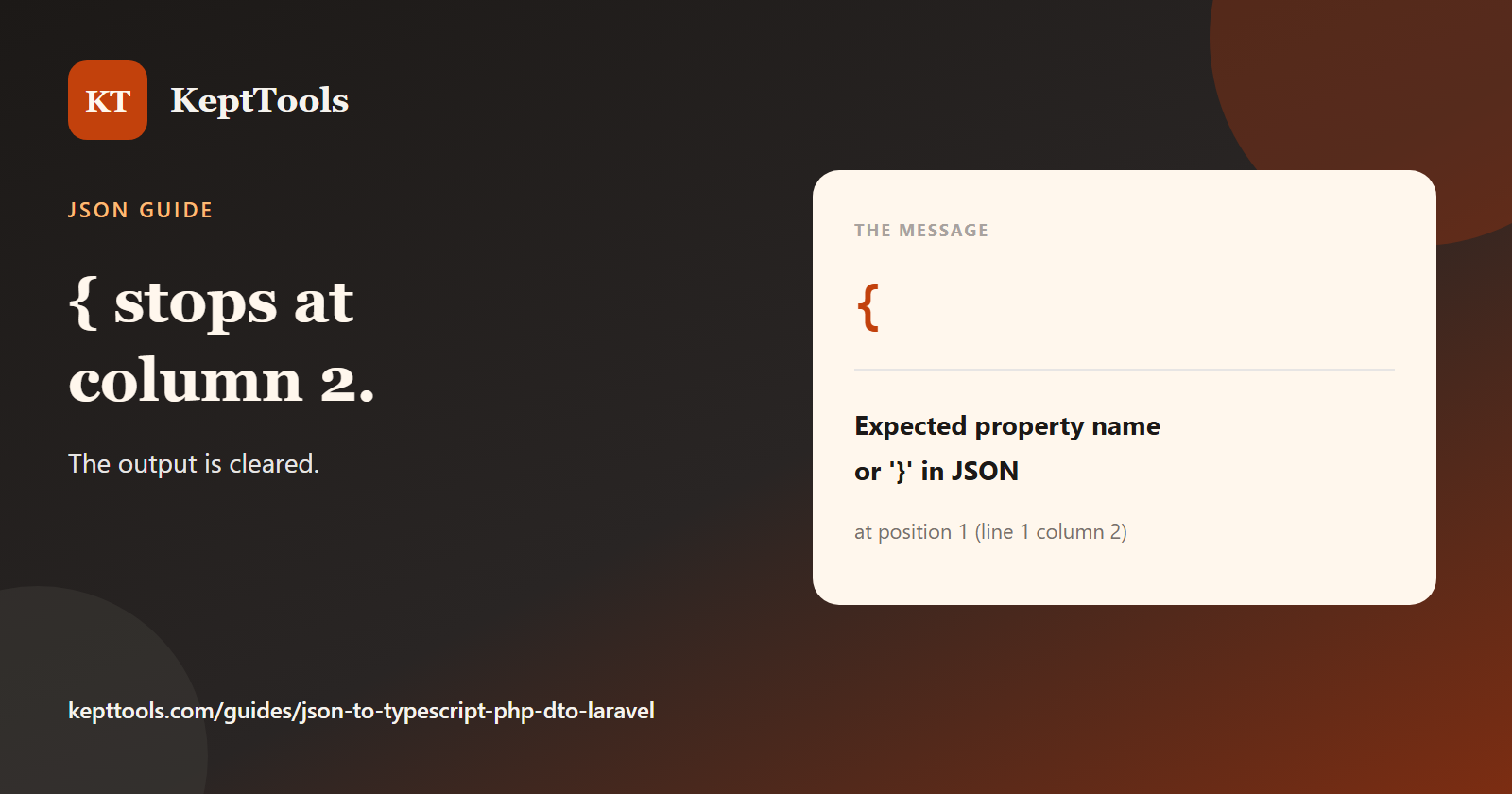
CSV rejects [] with CSV conversion expects an array of objects. Laravel still prints []. TypeScript prints an empty Root. The PHP class stays named DataTransferObject with no properties. A trailing comma clears the output entirely: {"a":1,} yields Expected double-quoted property name in JSON at position 7 (line 1 column 8). Fix the text in the JSON formatter before you convert again.
Treat CSV as a top-level export. Treat the TypeScript and PHP blocks as drafts you rename and harden before they ship.
Guide: https://kepttools.com/guides/json-to-typescript-php-dto-laravel
Comments
Join the discussionNo comments yet. Be the first to comment.