*/5 does not wait for the previous run
On classic cron, a six-minute job overlaps an every-five-minutes schedule. Use a lock such as flock if that must not happen.
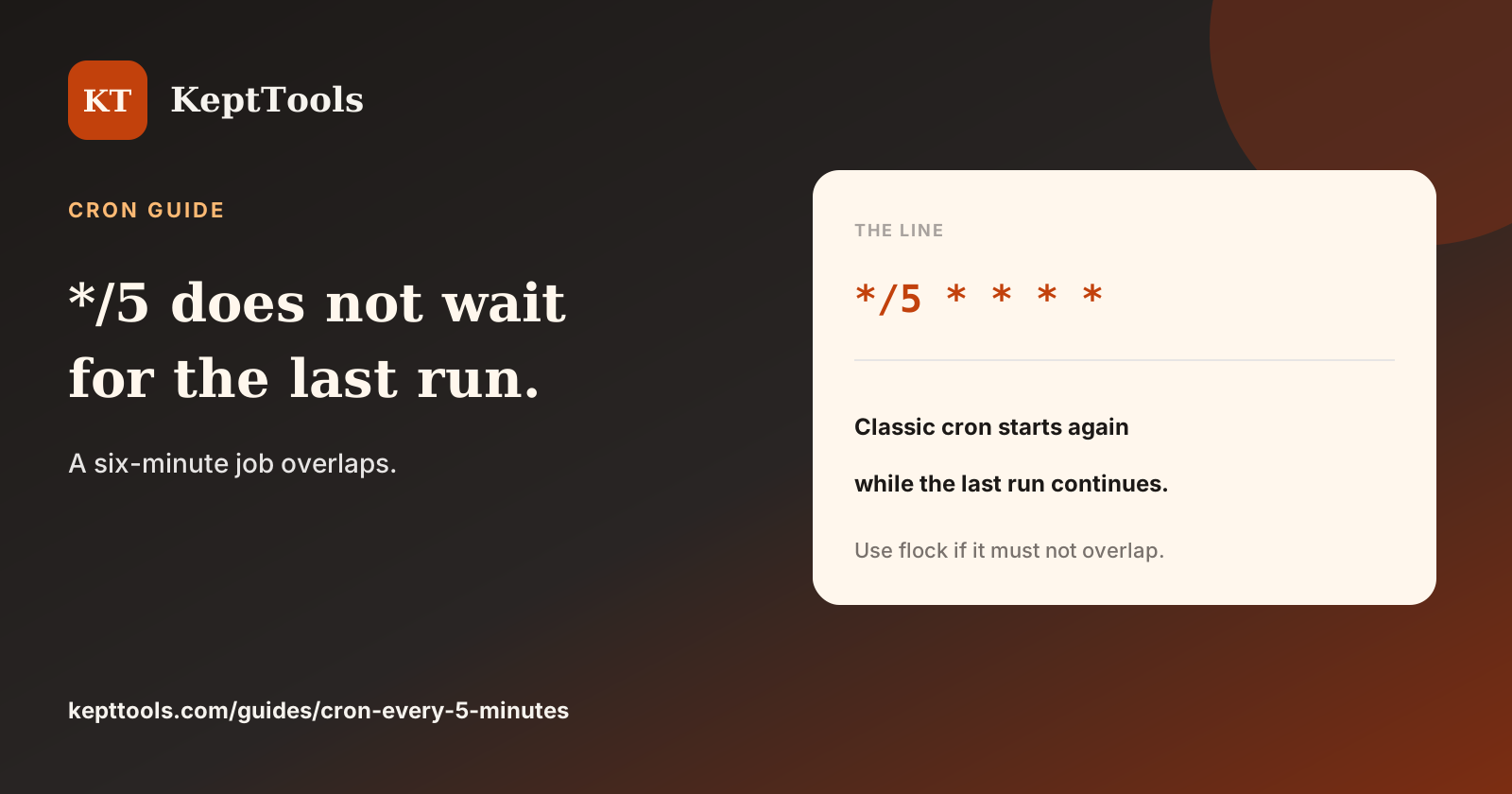
A six-minute command on */5 * * * * overlaps itself on traditional Vixie cron. The schedule does not wait. The daemon starts again when the minute matches, even if the last process is still running.
*/5 * * * * /usr/local/bin/job
That line fires twelve times an hour, on minutes 0, 5, 10, through 55. Duration is not part of the expression. If the work must not run twice at once, take a lock inside the command — for example with flock — and keep the schedule. Use an absolute path. Cron’s PATH is often short.
What this warning is not
It is not about systemd timers. Those use OnCalendar. Confirm with systemd-analyze calendar on that machine. Queue workers can also skip or delay differently. This note is about classic cron.
It is also not “five minutes from now.” */5 is locked to the clock. Save the crontab at 10:03 and the next run is 10:05.
Build, then lock
Build the five fields in the cron expression generator, then install on the host that will run the job. Add the lock in the command before you depend on exclusive access to a file, database row, or API.
Comments
Join the discussionNo comments yet. Be the first to comment.