What does */5 mean in a crontab?
*/5 * * * * is every five minutes on the clock: 0, 5, 10, through 55. It is not five minutes after you save the file.
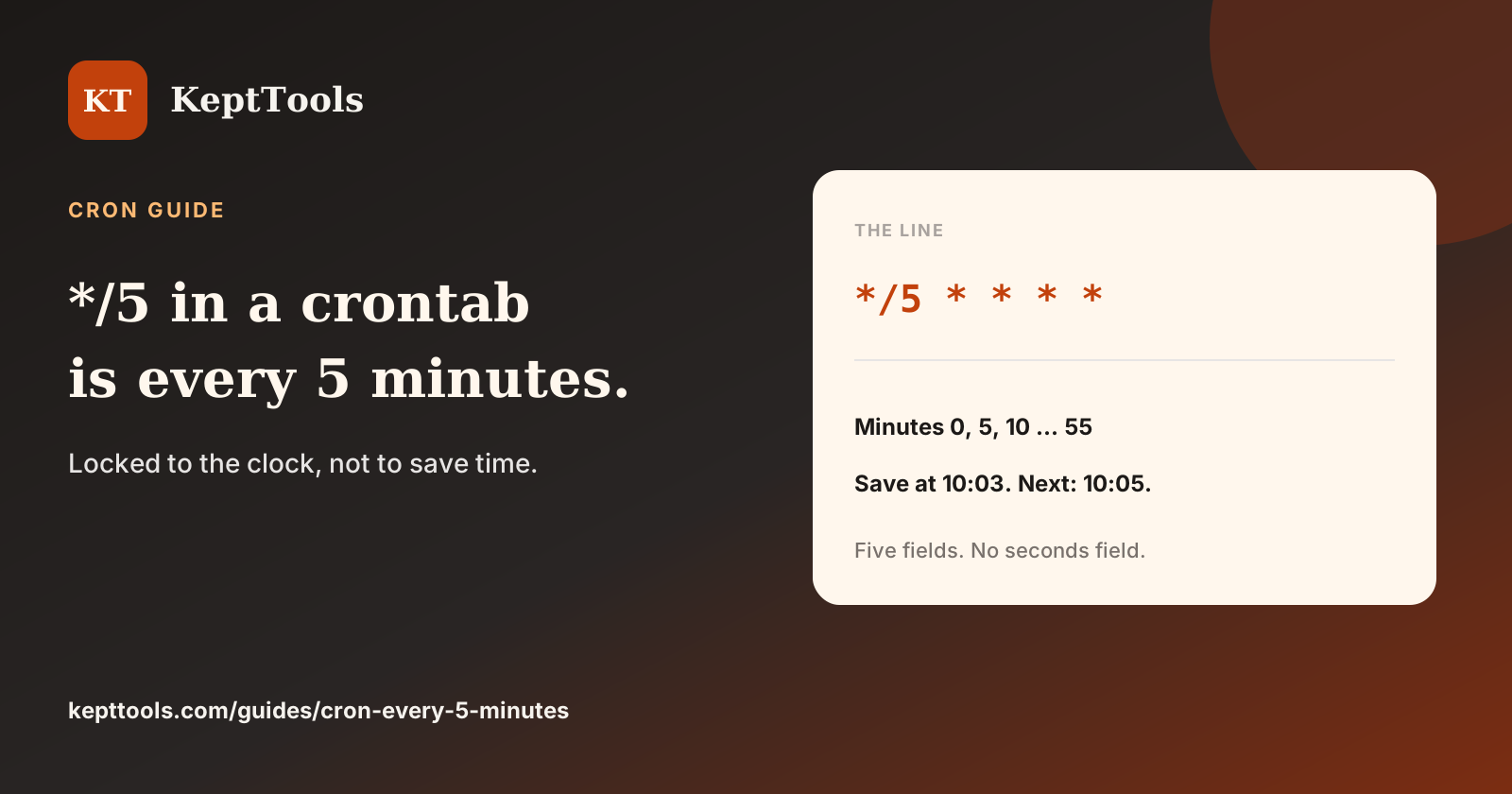
People search "*/5 in crontab" when they want the every-five-minutes line. That line is */5 * * * *. It fires on minutes 0, 5, 10, 15, 20, 25, 30, 35, 40, 45, 50, and 55. The step starts at 0. It is locked to the clock.
*/5 * * * *
Save the crontab at 10:03 and the next run is 10:05, then 10:10. The schedule does not start a countdown from the minute you edited the file.
What the five fields are
Minute, hour, day of month, month, day of week. Nothing in those five fields is seconds. The daemon starts once when the matching minute begins.
*/10, */15, and */30 work the same way and still include minute 0. 5-59/5 is the form that skips the top of the hour. Use */5 for a plain every-five-minutes job.
Build, then install
Build the fields in the cron expression generator, then copy them onto the host that will run the job. The generator does not install anything. Call the program by its absolute path. Cron's PATH is often short.
Comments
Join the discussionNo comments yet. Be the first to comment.